Edit CowCards
Review the tips below when editing CowCards:
- Add Event: To submit an event for the animal, enter the abbreviation for the event (such as MOVE or MAST) in the secondary command line. DairyComp then prompts you for the necessary event information.
- Edit Item in Enter Window: To change a stored item, enter the name of the item in the secondary command line. For example, enter PEN in the secondary command line to open a new ENTER window.

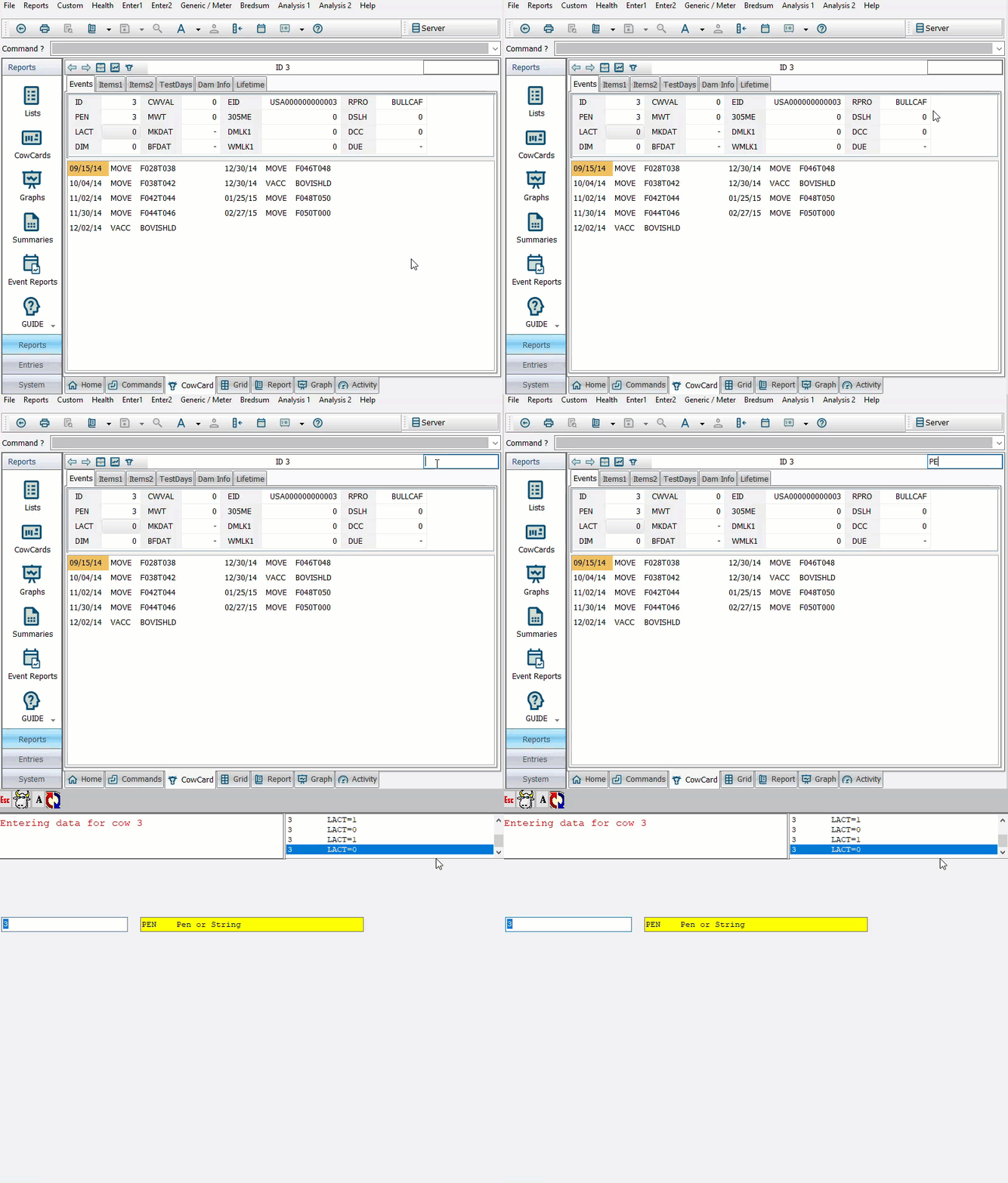
- Edit Item Directly: You can also combine the stored item name and the new value for the item in the secondary command line (for example, PEN=2) to update the item without using the ENTER window.
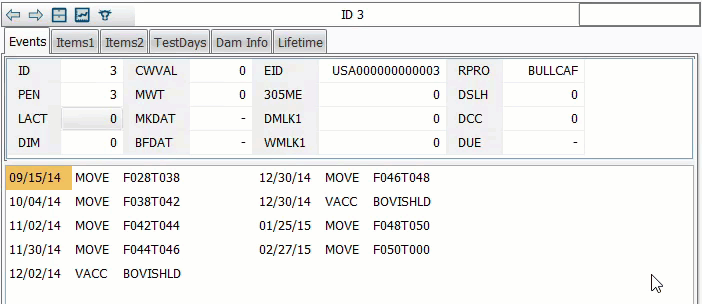
- Alter CowCards: Using the ALTER>Cow card pages option, you can adjust how the CowCard looks by changing the order of the CowCard tabs, changing what items display for each Test Date in the TestDays tab, or changing the maximum value for the milk weights plotted on the Lactations tab.