ALTER5 : VetList Options
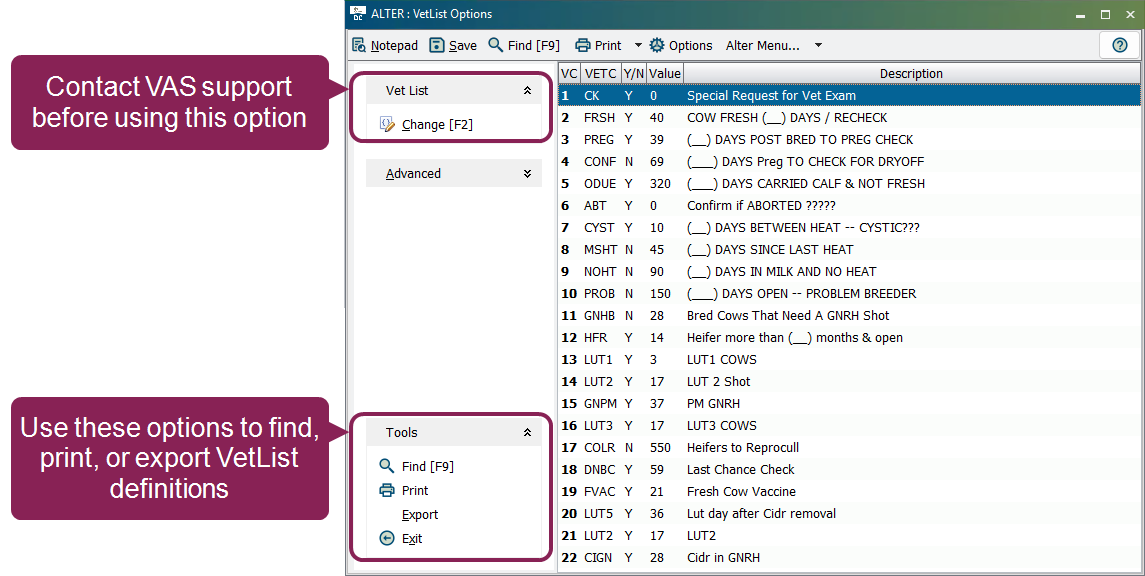
The ALTER5 : VetList Options option allows you to view or change the parameters used in your DC305 vet checks.
To open the VetList Options window, enter ALTER in the command line, then select [5] Veterinary list from the menu. Alternatively, you can enter ALTER\5 directly in the command line.
 Find, Print, and Export VetList Definitions
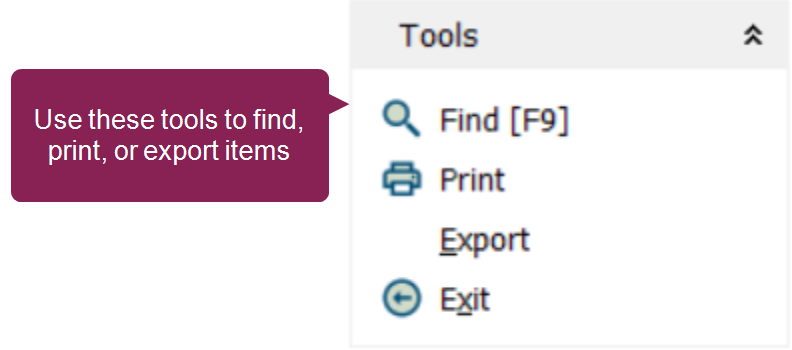
These options are found within the Tools drop-down list at the bottom left side of the VetList Options window.
The system displays the numbers, names, values, and descriptions of all VetList options in the current table. You can either print the list from the browser or export the information to a file.
To find a specific VetList option, click the Find option or press the [F9] button on your keyboard. Enter the desired VetList option into the search bar. The system will automatically locate the VetList option as you type.